SkorKeeper
An Android app that replaces scorecards, notepads, dice and timers on game night. It keeps score for board games, cards, darts, golf and sports, works offline and needs no account.
Get it on Google PlayThe scorecard is missing and the pencil is gone
Keeping score takes things that are never where the game is: the pad that came in the box, a pencil, the dice, a timer, someone who remembers how a bust works in darts. Without them the score ends up on the back of an envelope, the arithmetic is done in someone's head, and nobody is sure whose turn it was.
SkorKeeper puts all of it on the phone that is already at the table. It knows the rules of each game, does the math, remembers whose turn it is and saves the game as it goes, so a closed app or a dead battery doesn't lose it. When a game isn't built in, a plain grid takes any scores for up to 20 players.
It is for whoever ends up keeping score: families on game night, a darts or cribbage league, a foursome on the golf course, or a parent at the scorer's table of a youth basketball game.
A leg of 501, dart by dart
Darts shows what the app does that paper doesn't. Pick Darts, then 501, add two players and switch on Double out. Each player starts at 501 and has to land on exactly 0, with a double as the last dart.
Every dart is entered on a keypad: a multiplier (×1, ×2 or ×3), a number from 1 to 20, Bull or Miss, then Confirm Throw. The keypad opens on 20, so a triple 20 is one tap on ×3 and a confirm. Before the confirm, a preview line shows what the dart will do: Throw 60 → 441 remaining. After the third dart the turn passes to the next player without a tap. Here are one player's five turns. The other player's turns in between don't change these numbers.
| Turn | Darts entered | Scored | Left |
|---|---|---|---|
| 1 | T20, 20, T20 | 140 | 361 |
| 2 | 20, T20, 20 | 100 | 261 |
| 3 | T20, T19, 20 | 137 | 124 |
| 4 | 20, T20, T20 | Bust | 124 |
| 5 | T20, D16, D16 | 124 | 0 |
T is a triple and D is a double: T20 scores 60, D16 scores 32.
Turn 4: the bust
The turn starts at 124. A single 20 leaves 104 and a triple 20 leaves 44. The third dart is another triple 20, and the preview already shows the problem: Throw 60 → -16 remaining. On confirm the app rules it a bust. All three darts are wiped, the score goes back to 124, where the turn began, and the next player is up. With double out on, leaving exactly 1 or reaching 0 on a single or a triple is a bust in the same way.
Turn 5: the finish
A triple 20 leaves 64 and a double 16 leaves 32. At 32 a checkout suggestion appears on the screen: D16. The player's card reads Score: 32, Darts: 14, Avg: 33.5. The three busted darts count as thrown, so the average is the 469 points scored so far over 14 darts. The last dart is a double 16: 0 left, on a double. The game ends there and the app opens the summary with this player as the winner, 15 darts after the start.
An undo button takes back the last dart at any point, including a bust entered by mistake.
Games and tools
The app also scores bowling, Farkle, dominoes and card games, and has a stopwatch, a lives counter, a tally counter, a notepad and a team picker. These are the ones with a scoring guide on this site, plus the timer.
Basketball
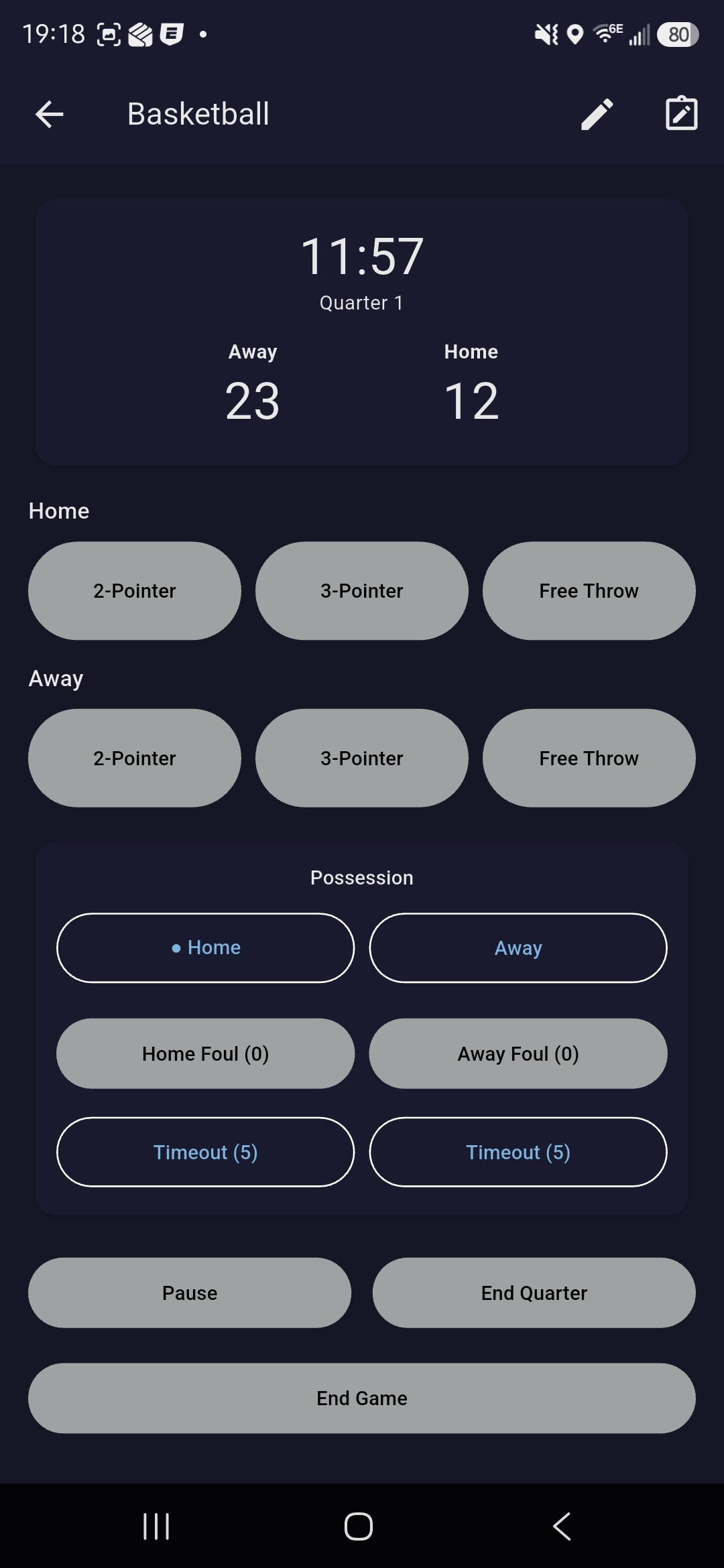
2-pointer, 3-pointer and free throw buttons for each team, with a game clock, quarters, possession, fouls and timeouts on one screen.
Cribbage
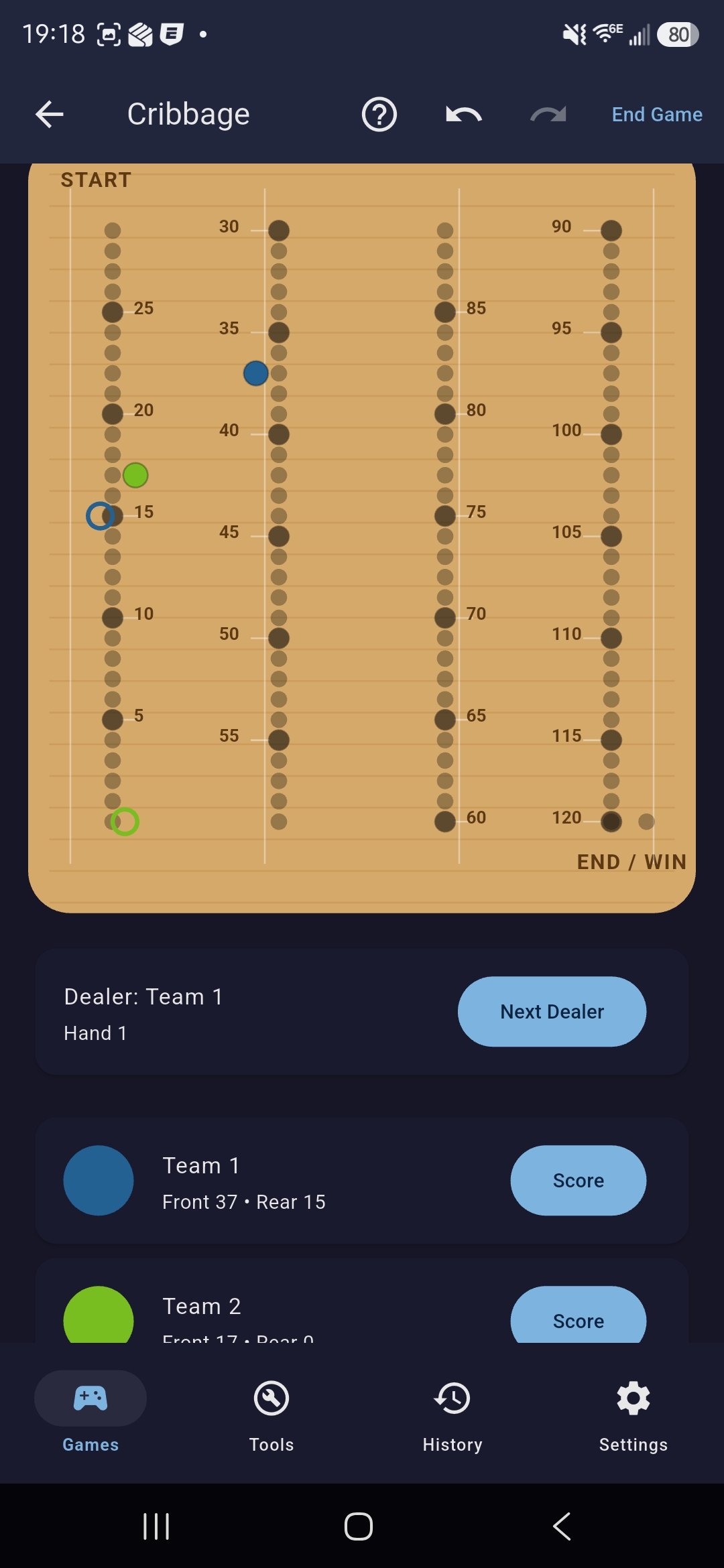
A visual board with a front and rear peg for each team, played to 121 by two or three teams. It tracks the dealer and the hand, with undo and redo.
Guides: How to score cribbage, Cribbage counting cheat sheet
Golf and mini golf
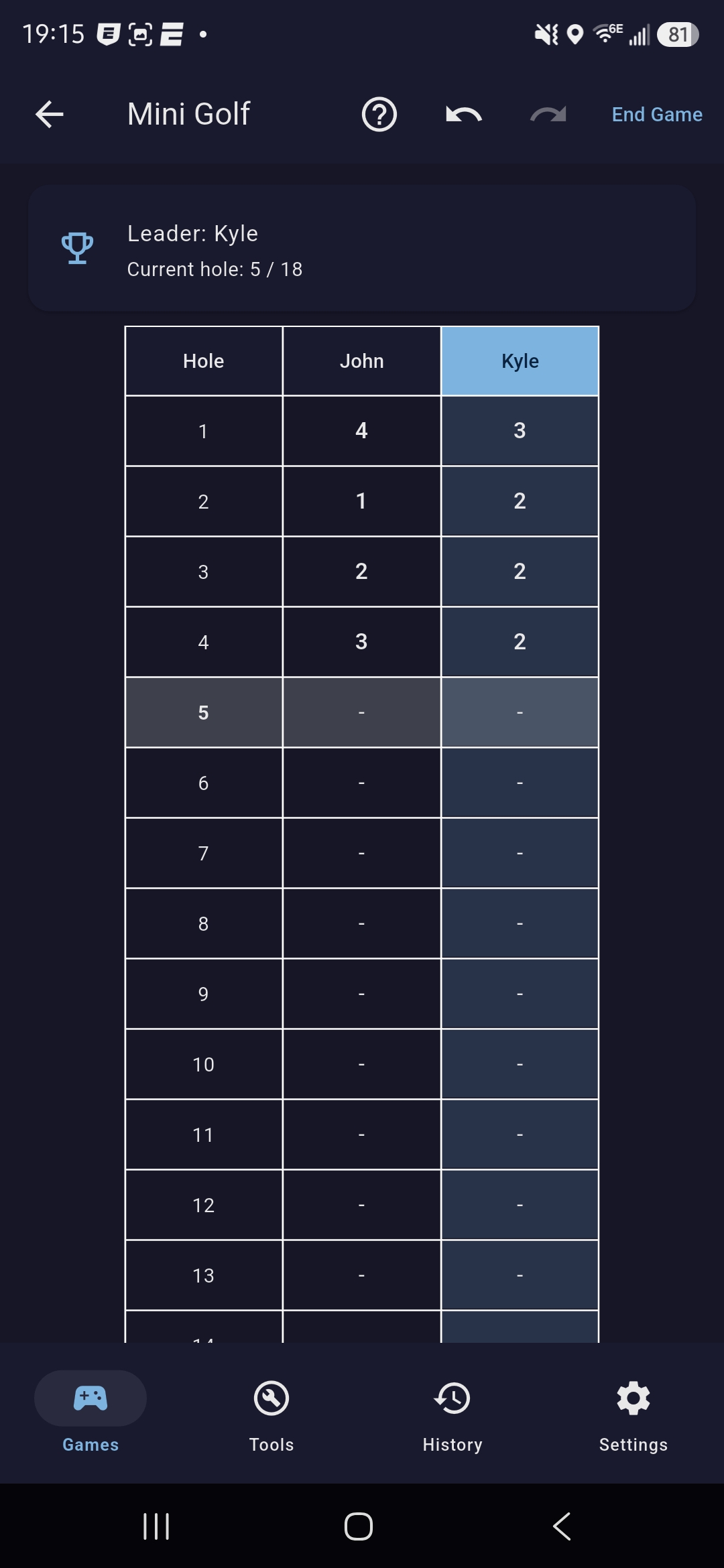
A scorecard with a column per player that shows the current hole and the leader. 9 and 18 holes are one tap, and any other number of holes can be typed in.
Guides: Golf scorecard basics, Mini golf scoring and common house rules
Yahtzee
The full scorecard with the dice built in, for 1 to 6 players. Roll up to three times a turn, hold the dice you want to keep, then pick a category. The 35 point upper bonus at 63 and the 100 point bonus for extra Yahtzees are added for you.
Guide: Yahtzee scoring rules
Darts
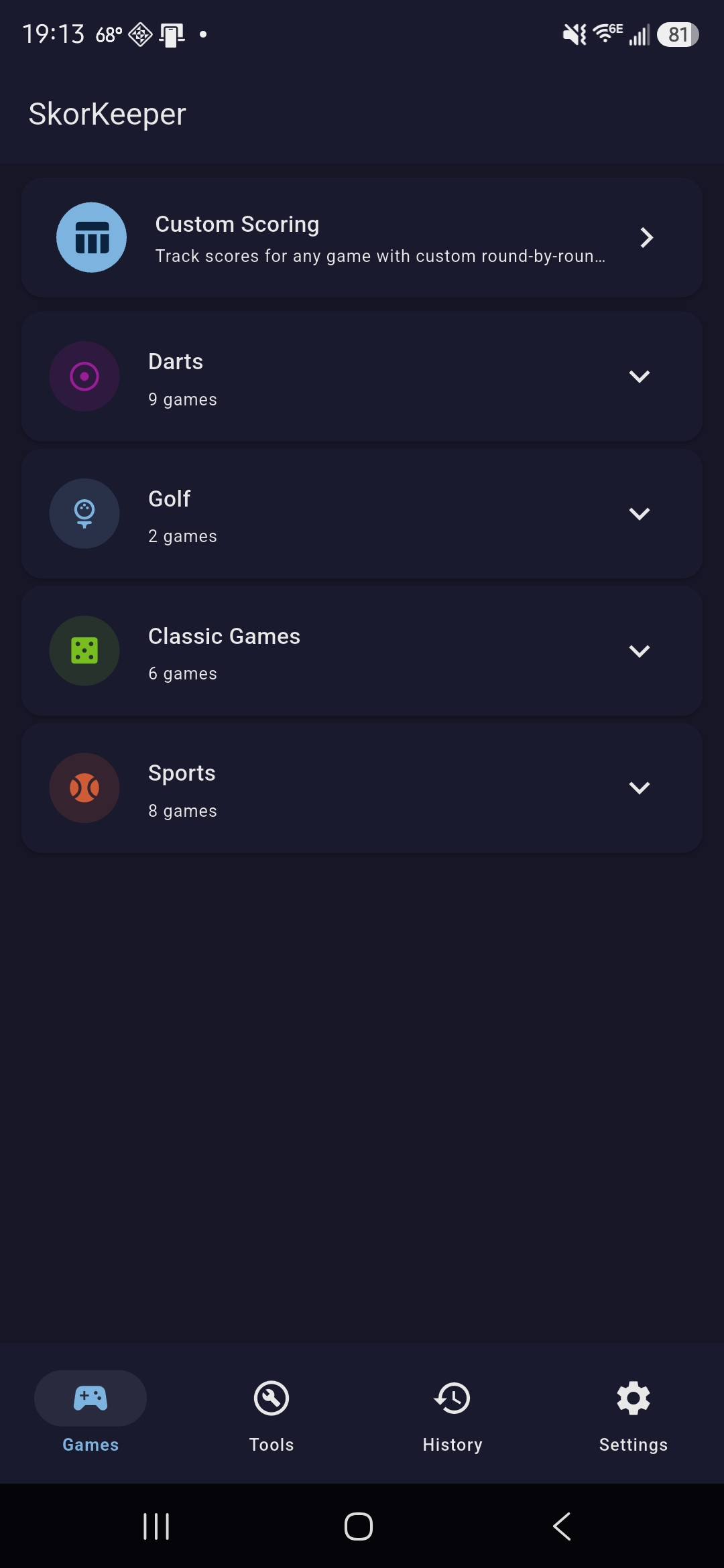
Nine games: 301, 501, 701, Cricket, Cut Throat, Around the Clock, Shanghai, Killer and Halve It, for up to 8 players. Each dart is entered on a keypad of 1 to 20, bull and miss with a single, double or triple. The countdown games have double in and double out switches.
Guide: How to keep score in darts
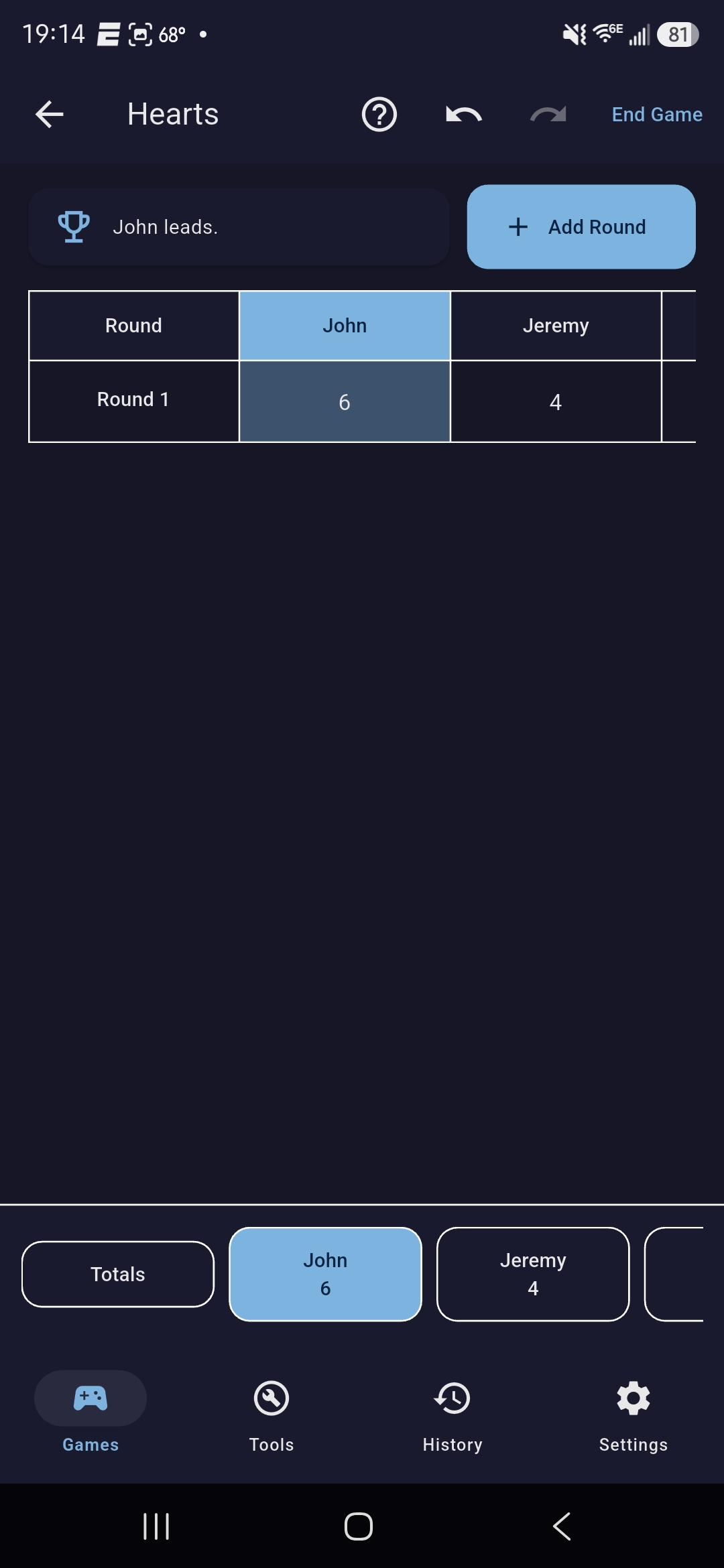
Custom scoring
A spreadsheet-style grid for any game that is not built in, for 1 to 20 players. Add a round and enter the scores.
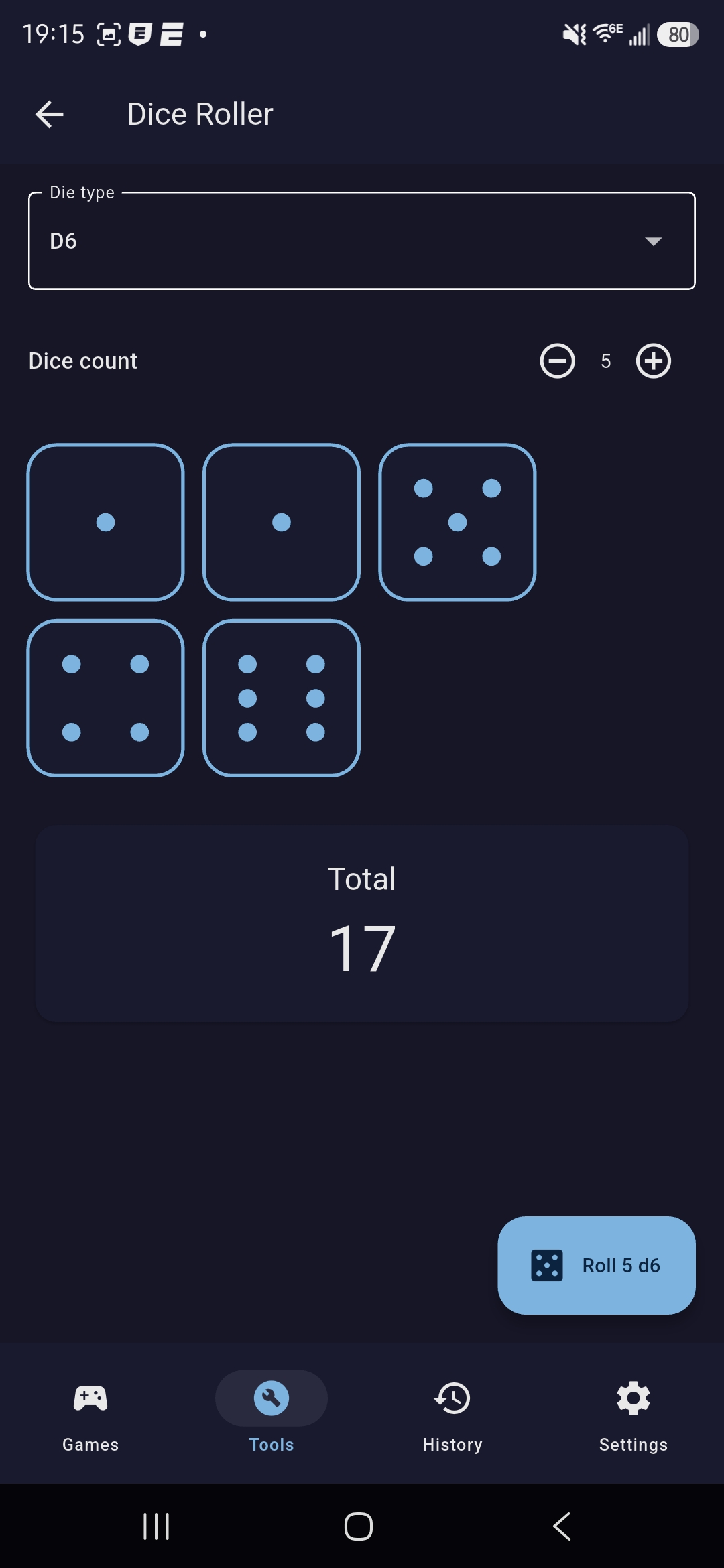
Dice roller
Pick a die type and how many dice to roll. Every die is shown along with the total.
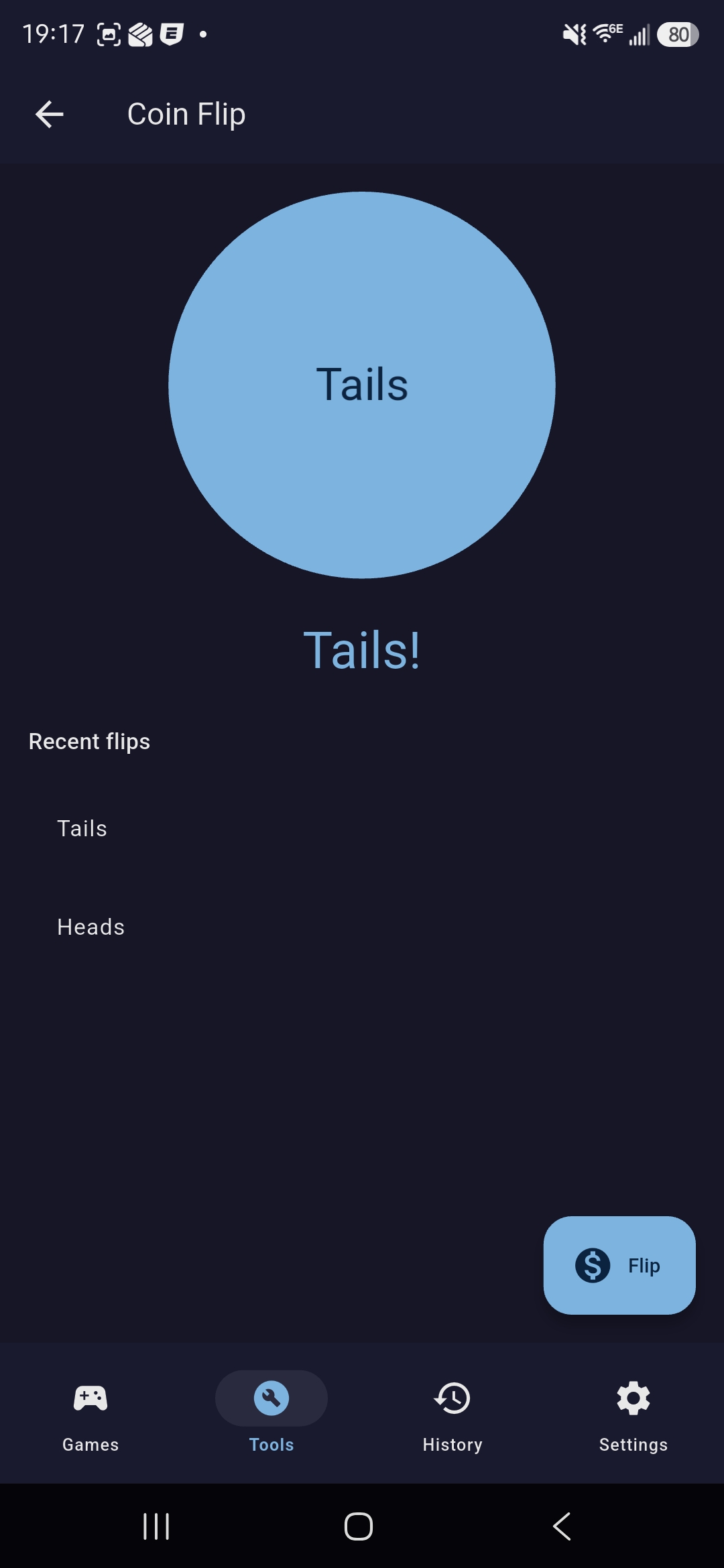
Coin flip
Heads or tails in one tap, with your recent flips listed below the coin.
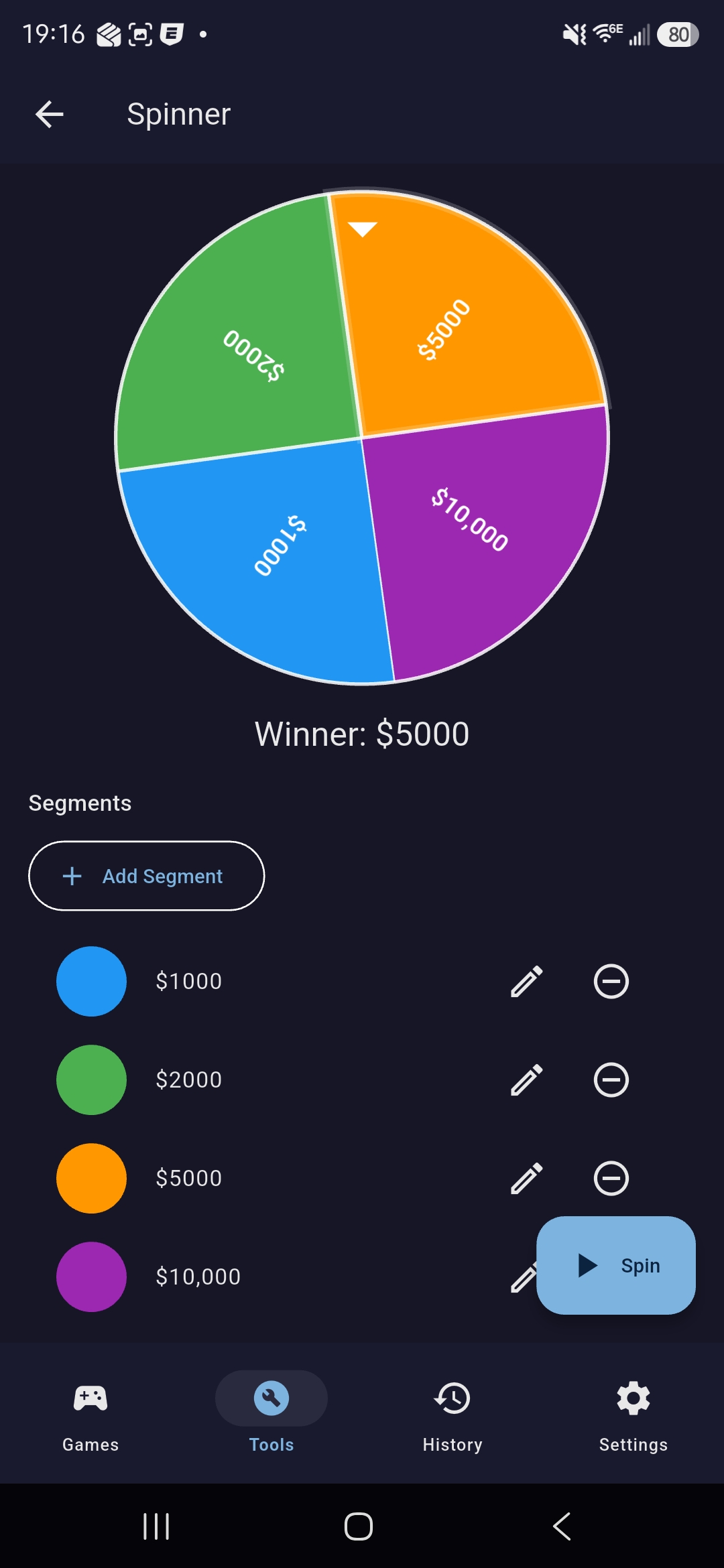
Spinner
A wheel that picks a winner. Add, edit or remove segments to fit your game.
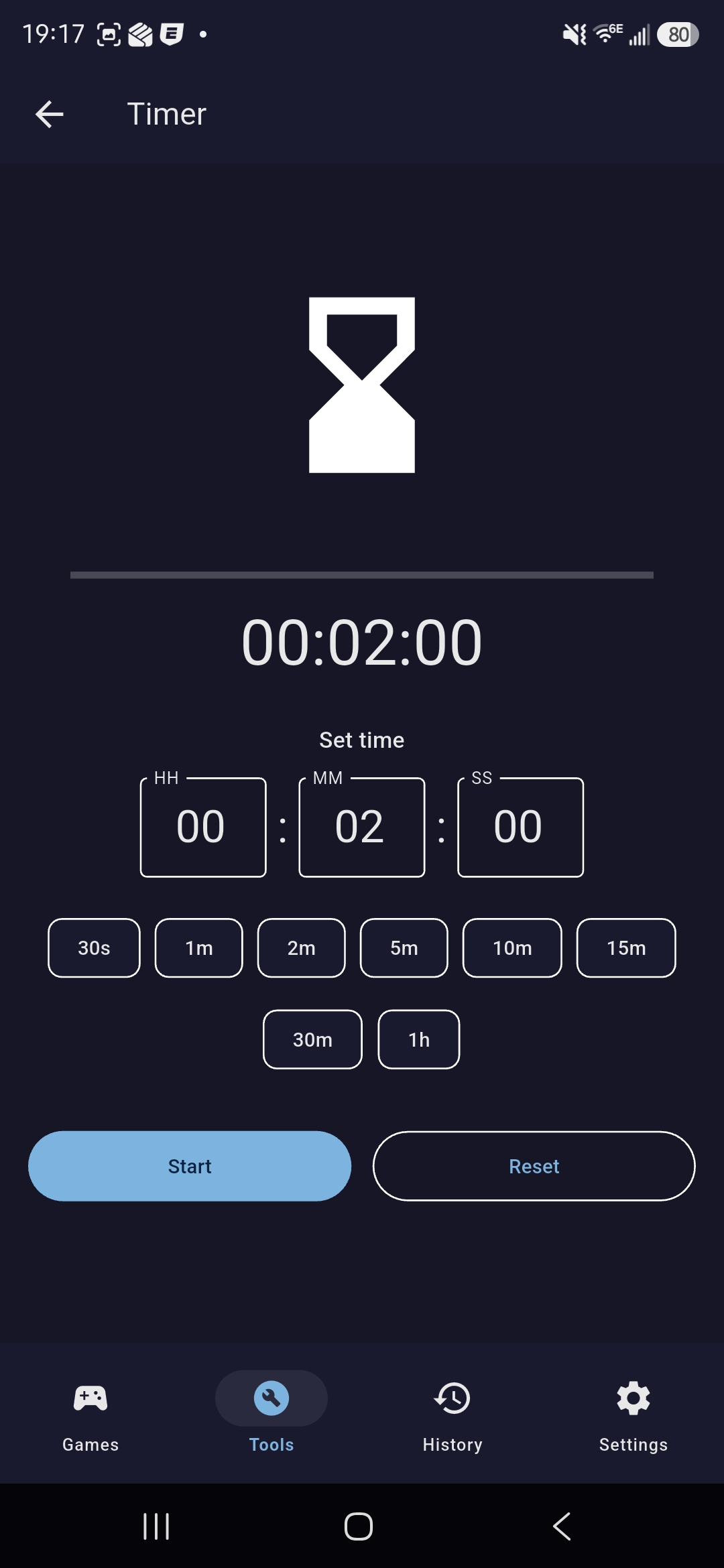
Timer
A countdown timer with an hourglass and presets from 30 seconds to 1 hour.
How it was built
- Flutter and Dart
- One codebase for the whole app. The Android build is the one on Google Play.
- Drift (SQLite)
- Games and history are saved in a database on the phone. No core feature needs a network connection or an account.
- Riverpod and BLoC
- Riverpod holds app-wide state such as settings. Each game's rules run in their own state machine.
- go_router
- Handles navigation between the games, tools, history and settings.
- flutter_animate, Rive and Lottie
- Animations and screen transitions.
The main technical choices
Offline first
Score keeping happens at kitchen tables, golf courses and gyms, where a connection isn't a given. Every core feature works with the phone in airplane mode.
Each game is its own module
A game such as cribbage or bowling is a self-contained module behind a shared interface, with a common session screen around it. A new game can be added without changing the existing ones.
Rules live apart from the screens
A game's rules take the current state and one action, such as a dart thrown, and return the next state. The screen only draws that state. Each new state is saved to the phone as it happens, and undo puts the previous one back.
Few taps
The design target is a score entered in three taps or fewer, because the scorekeeper is also playing.
What building it taught me
Rules bugs show up at the table, not in the spec
I tested by playing and wrote down what was wrong, nine rounds of notes for the first version. Farkle is in seven of them. Banking checked the player's total instead of the turn score. Three of a kind counted a die held from an earlier roll. Rolling six scoring dice didn't give the player all six back. Yahtzee let a player score a category without rolling first.
I had set a rule at the start that no scoring logic ships without unit tests, and I didn't hold to it: the test folder still holds almost nothing. Every one of those bugs is the kind a ten-line test catches. Next time the tests get written with the rules, not promised in a document.
A scoreboard should look like the one people already know
The first cribbage board was correct and hard to read. I redid it to snake up and down the screen like a real board, with a line and a number every five holes, start and end labels, and each team's pegs on their own track. The same thing happened elsewhere: the darts cricket board was redone to show marks per number, the Yahtzee card was split into upper and lower sections like the paper one, baseball was rebuilt around a batting lineup like a score book, and game history went from raw saved data to a view made for each game.
Check every screen in light mode and dark mode
A large share of my notes are contrast problems: text the same color as its box in one mode, a player color that vanished against the background. The golf icon in dark mode came up in six separate rounds before it was right. I also asked for more of the green accent color across the app, then took it back out one round later because the whole app looked green. Now I look at both modes before I call a screen done.
Getting into the store is its own project
The features were merged in early September. The month after that was release work: a privacy policy page, a data deletion page, a new package name and app icon, signing, missing rules for the code shrinker, and fixes from Google Play's own checks. The ad network would not verify the app from a free shared hosting address, so the app's pages moved to their own subdomain. I'd plan for that month from the start on the next app.
Scoring guides
The rules behind the games, written out with worked examples: read the guides.